
Design anime images that actually look production-ready.
Generate polished anime key visuals, character concepts, posters, avatars, and opening frames from a prompt or reference image.
Fast enough for ideation, clean enough for publishing.
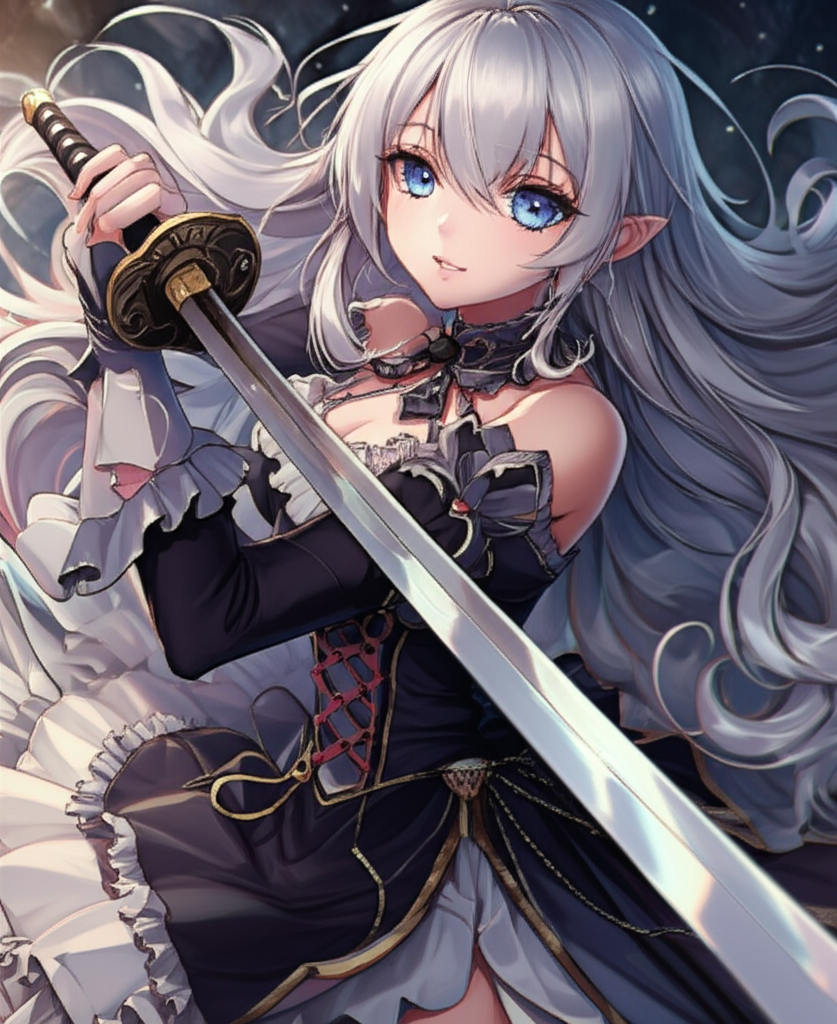
Ethereal Forest Guardian
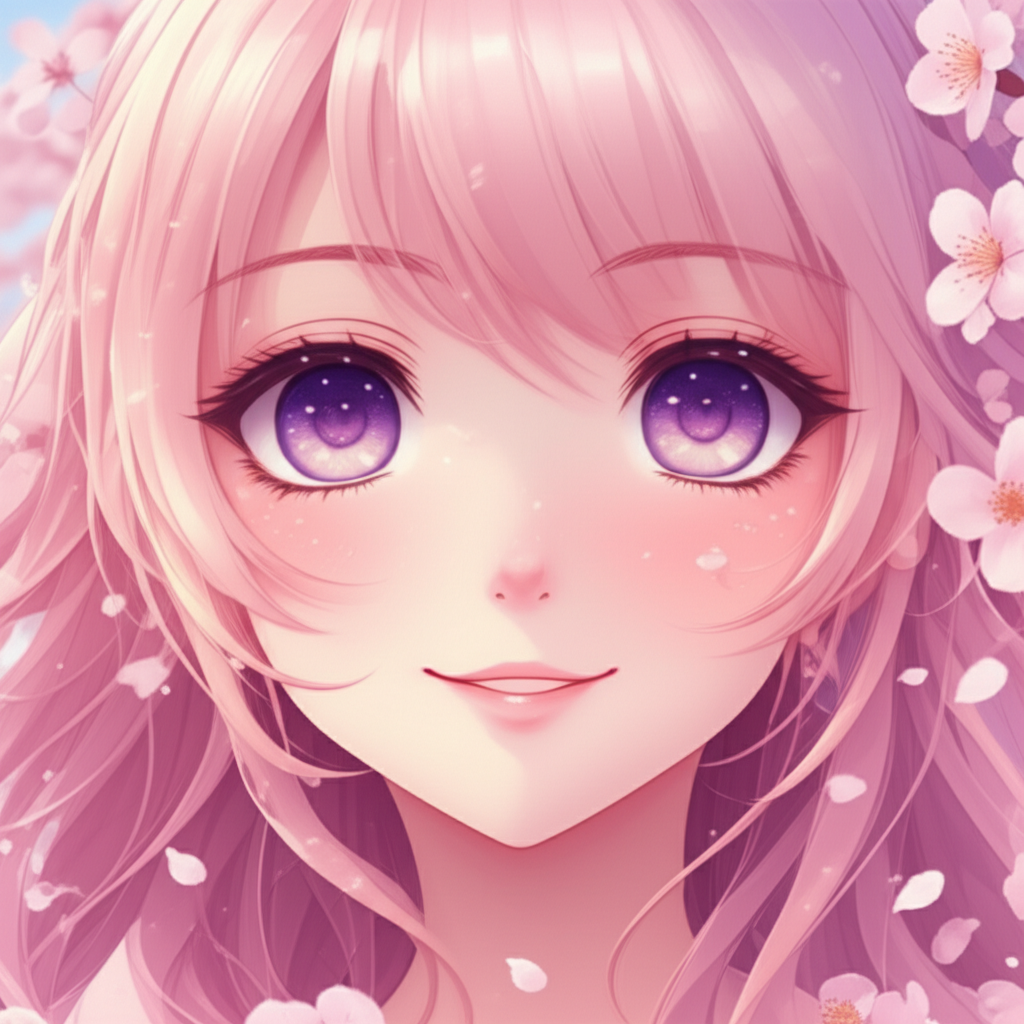
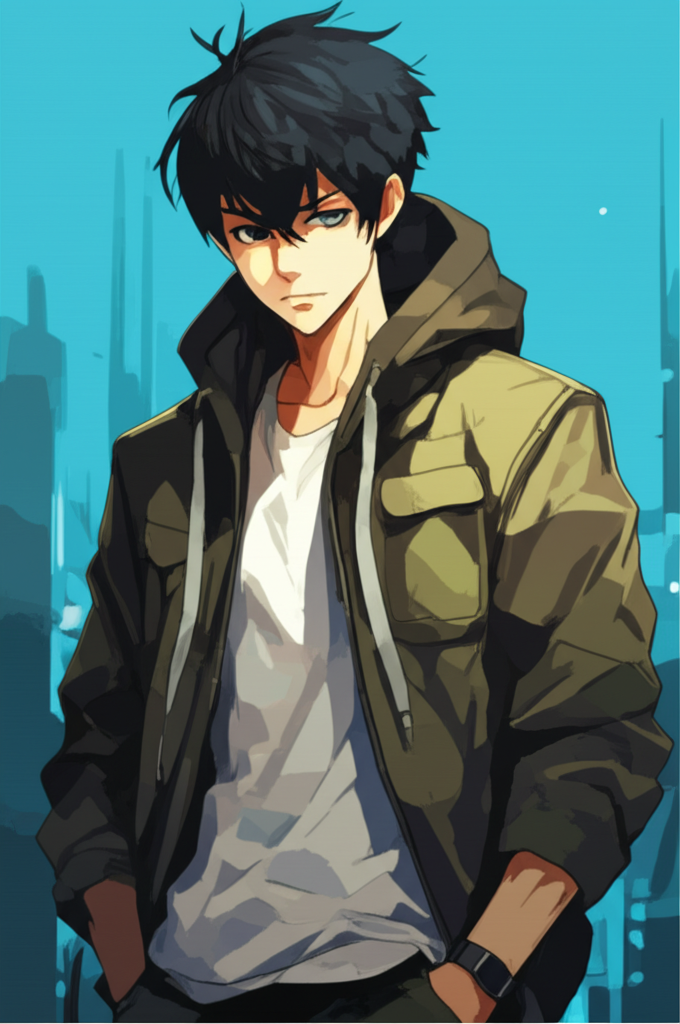
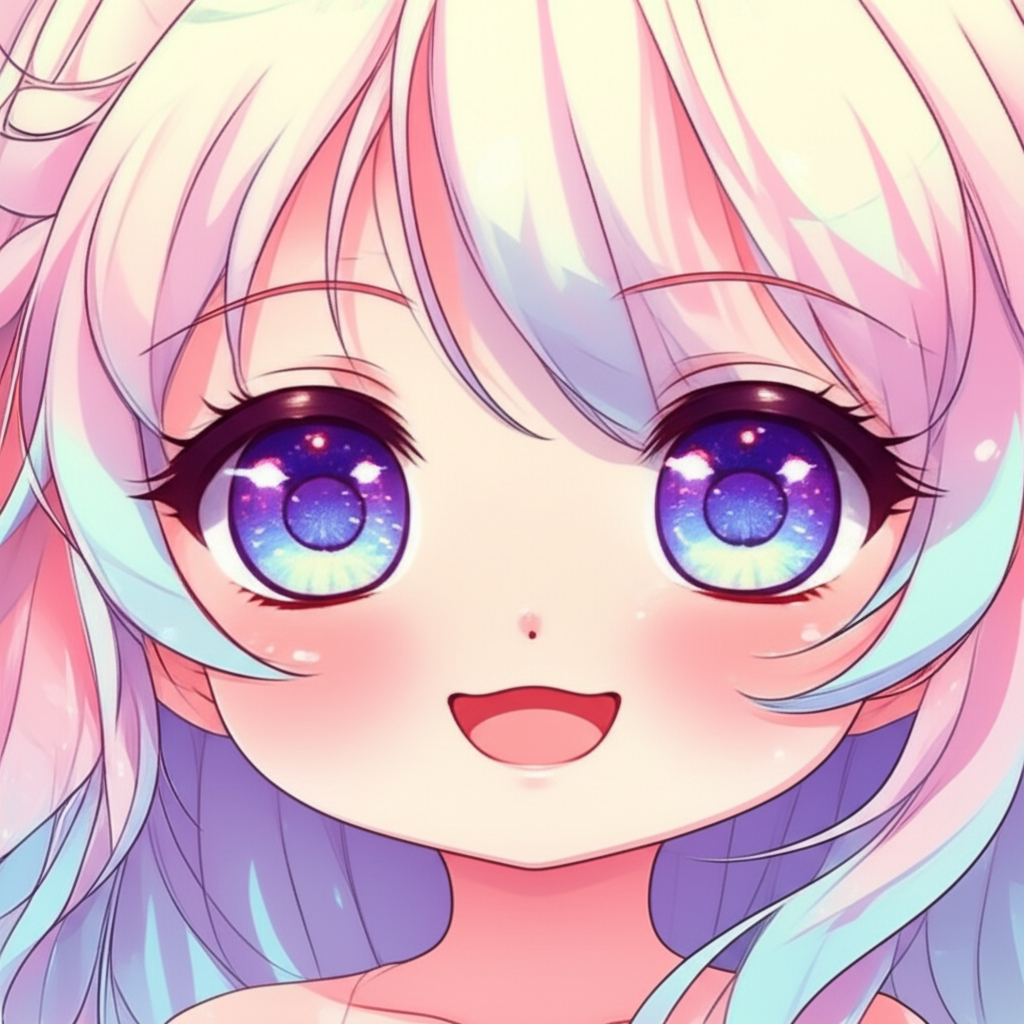
Built for anime creators, not generic AI demos
AnimeGen helps solo creators, fan artists, VTubers, indie studios, and social teams turn rough ideas into cohesive anime-style visuals without fighting a bloated workflow.
Prompt-to-visual in one pass
Go from a scene idea to a usable anime composition with cleaner silhouettes, stronger color harmony, and fewer throwaway generations.
Character consistency that holds up
Develop recurring characters, alternate outfits, and expression sets without losing the core design language.
Openings, posters, thumbnails
Create assets for launch trailers, cover art, social promos, channel banners, or cinematic anime opening concepts.
Reference-image workflows
Start from a sketch, selfie, frame, or moodboard and push it into a more polished anime direction.
Why creators stay with AnimeGen
The product is tuned for speed, repeatability, and anime-specific taste — not just raw image generation.
Cleaner anime visual language
Sharper line treatment, stronger silhouettes, and better color separation help outputs feel closer to usable key art instead of noisy AI experiments.
From idea to anime visual in three steps
A fast creative loop for concepting, refining, and exporting.
Set the scene
Write a prompt with subject, mood, framing, outfit, lighting, and style references — or upload a starting image.
Shape the style
Choose the anime direction you want, then adjust composition, detail, and output intent for avatar, poster, frame, or concept art use.
Generate, compare, export
Create variations, keep the strongest direction, and export high-resolution images for sharing, publishing, or further editing.
A tighter toolkit for anime image creation
Everything on the marketing surface is framed around actual creator use cases, not filler features.
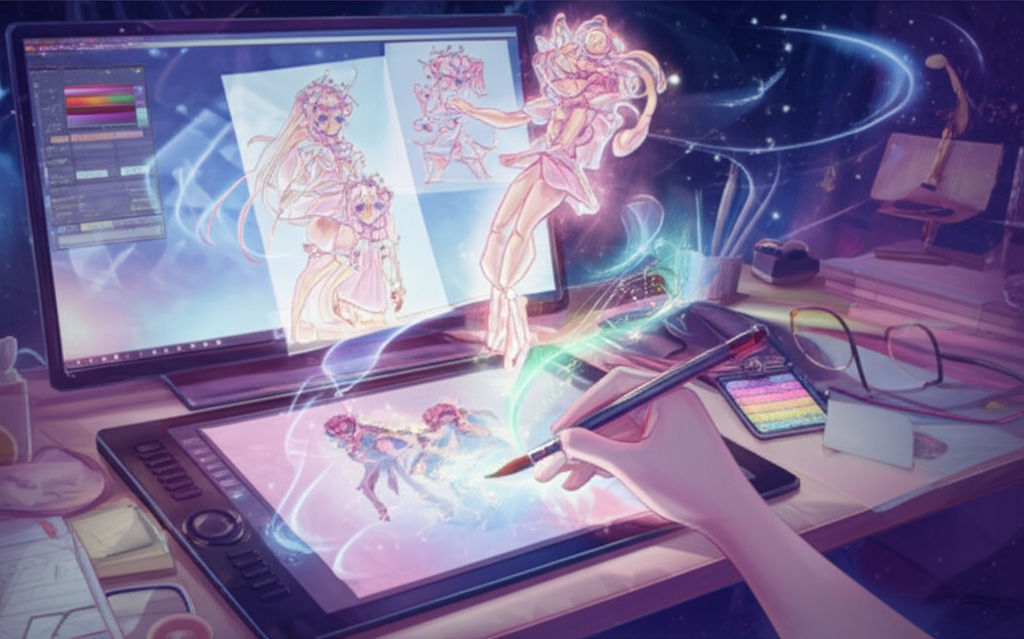
Anime art generator
Turn prompts into posters, splash art, character portraits, scene studies, and stylized illustrations with anime-specific output tuning.
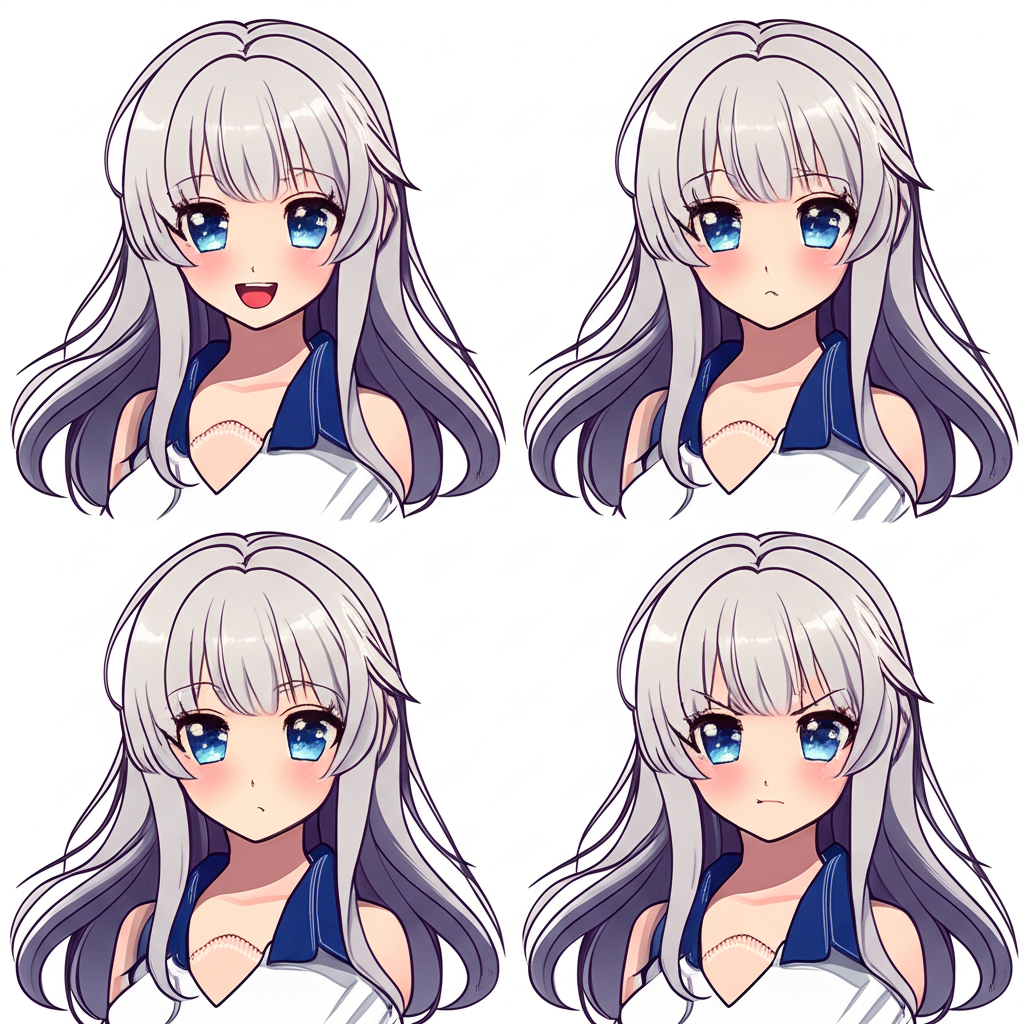
Character design studio
Explore faces, outfits, poses, and expressions while keeping a stronger sense of character identity across variations.
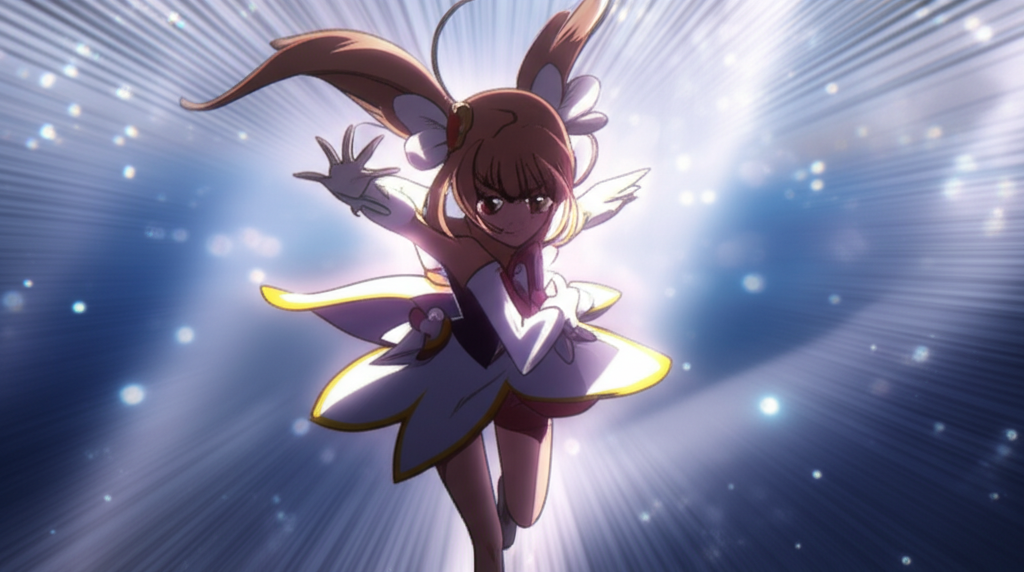
Anime opening generator
Draft opening-frame concepts, title-card scenes, and motion-ready visuals for trailers, teasers, and music-led intros.
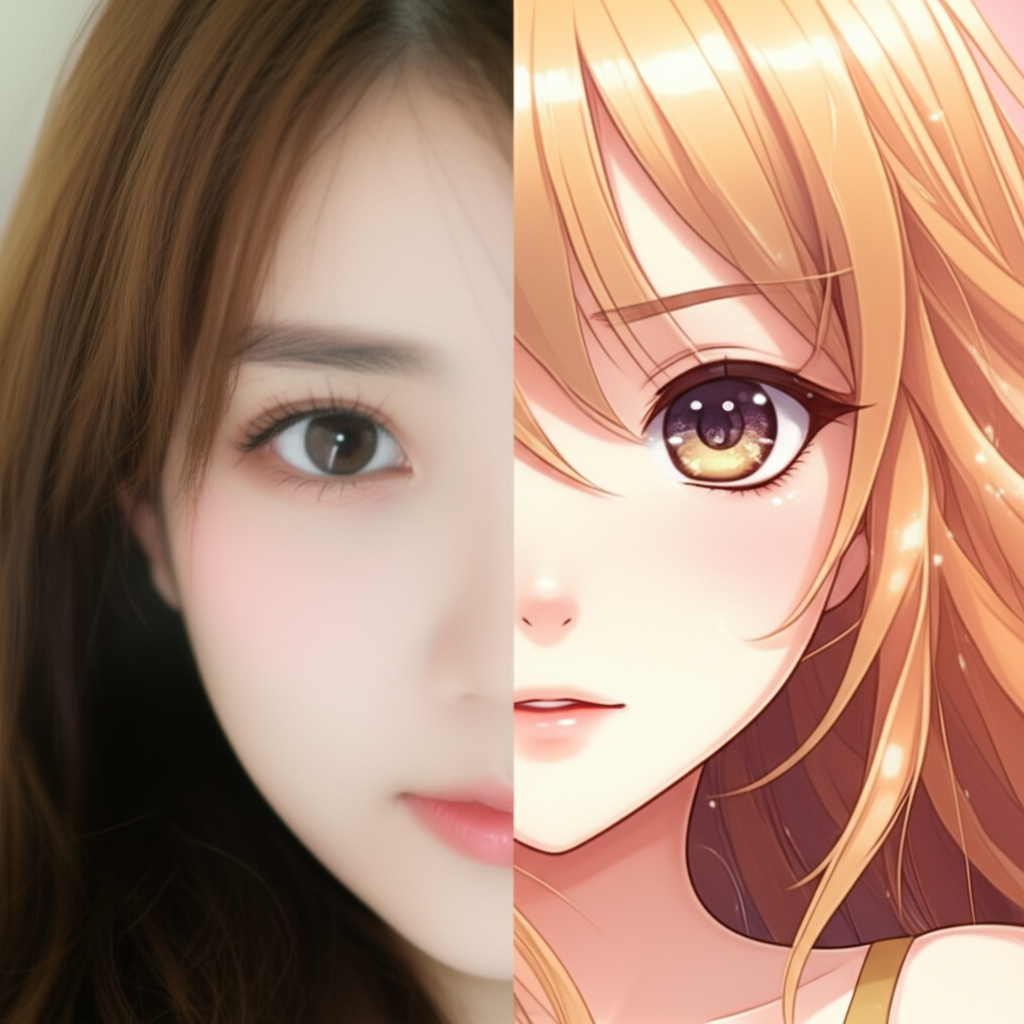
Image-to-anime transform
Use photos, sketches, and references as anchors to move faster toward the exact anime treatment you want.
Variation batches
Generate multiple directions in one pass for concept reviews, client options, thumbnail testing, or rapid style exploration.
High-resolution export
Download crisp outputs for social media, print comps, decks, thumbnails, posters, or presentation-ready concept boards.
See the range before you generate
Browse community-made outputs across portraits, illustrations, stickers, and meme-ready visuals.

"cyberpunk neo-tokyo city at night, vibrant neon lights, raining, futuristic architecture, 8k resolution, cinematic lighting"
Cyberpunk Neo-Tokyo
A vibrant cyberpunk city scene with neon lights and futuristic architecture.

"ethereal forest spirit girl, translucent skin, glowing eyes, surrounded by magical animals and flowers, studio ghibli style, soft lighting"
Ethereal Forest Spirit
A mystical forest spirit surrounded by glowing flora and fauna.

"samurai warrior, standing on a hill, giant full moon background, cherry blossoms falling, dramatic shadows, ukiyo-e style"
Samurai of the Moon
A fierce samurai standing under a giant full moon.

"anime idol singing, space stage, stars and nebulae background, futuristic outfit, shoujo style, sparkles, dynamic pose"
Galactic Idol
An anime idol performing on a stage in outer space.

"cute chibi knight, riding a tiny green dragon, vibrant colors, simple lines, kawai style, white background"
Chibi Dragon Knight
A cute chibi knight riding a small dragon.

"funny anime cat, big eyes, question marks floating, expressive face, meme style, bright colors"
Confused Anime Cat
A funny anime cat looking confused with question marks.
Questions creators usually ask first
Need help before you start? Contact support@animegen.art
Turn your next anime idea into something worth shipping.
Start with a prompt, shape the direction, and export a result that feels closer to finished art than random output.
20+ style directions
style directions
< 10s for most image generations
for most image generations
4K export-ready output
export-ready output
Prompt + Image hybrid workflow
hybrid workflow